

2026-05-03
问: 游戏的基础运行配置要求是什么?
Q: What are the basic system requirements for the game?
CPU: i5-6500 (AMD 1300X) +
RAM: DDR3 16GB +
GPU: GTX1060 (RX470) +
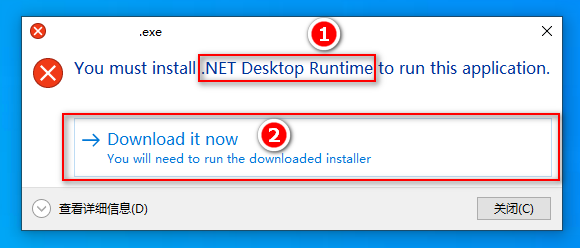
问: GameLuncher.exe无法运行/GameLuncher.exe cannot run
答: 请安装.NET9 X86+X64 / Please install .NET9 X86+X64

问:启动游戏失败: 游戏不支持在E盘/Y盘下安装使用
答:请将游戏移动到D/F或其他盘符使用
Q: Game launch failed: Game does not support installation/use on E:/Y: drive
A: Please move the game to D:/F: or another drive letter

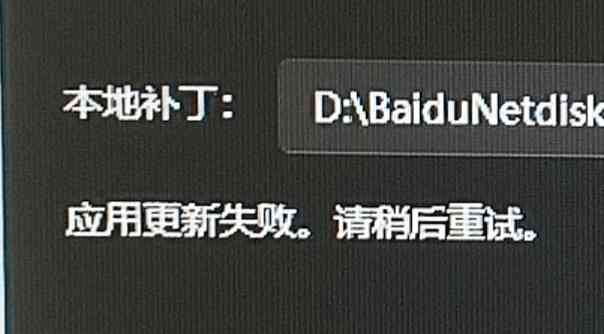
问:更新/安装补丁失败 / Update/install patch failed
答:请确认C盘有大于4GB以上剩余空间
A: Please ensure drive C has more than 4GB of free space

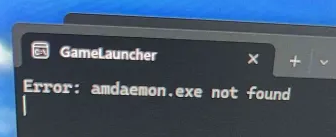
问: Error 4102/4105/launchidac.exe not found, Error: amdaemon.exe/idachook.dll/Game executable not found
答:游戏文件解压不完整,请重新解压
A: Game files were not extracted completely, please re-extract


问:KeyChip机台序列号/卡号格式错误 / KeyChip/Card number format error
答:请在账号管理查看并输入正确的内容
A: Please check Account Management and enter the correct information
问:Error: DLL injection failed
答:请使用赋予GameLauncher.exe管理员启动权限(右键属性->兼容性->以管理员身份运行此程序)
A: Please grant GameLauncher.exe administrator privileges (Right-click Properties -> Compatibility -> Run this program as an administrator)

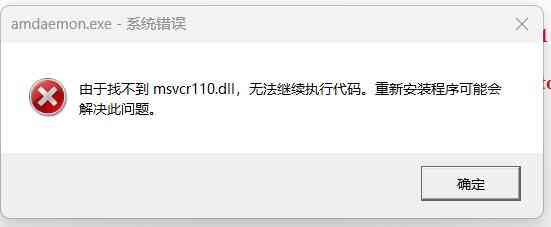
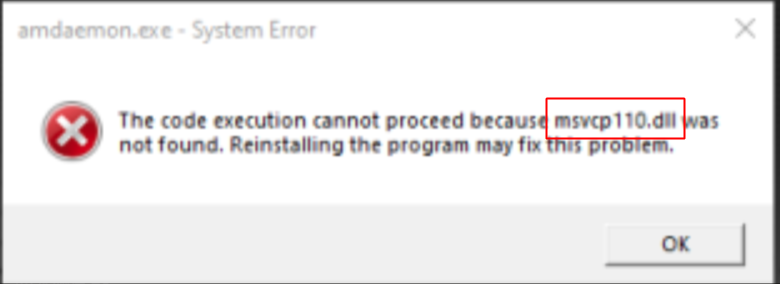
问:启动游戏时提示找不到msvcp110.dll
Q: Missing msvcp110.dll error when launching the game
A: 请安装 Please install VC2012 X86+X64


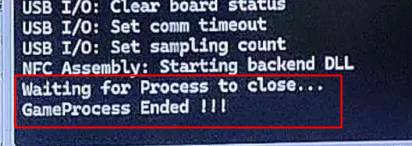
问:启动游戏时直接提示GameProcess Ended !!!
答:请安装VCRuntime14 X86+X64,不要在Y盘运行游戏
Q: GameProcess Ended !!! appears immediately when launching the game
A: Please install VCRuntime14 X86+X64, do not launching the game in Y: Drive

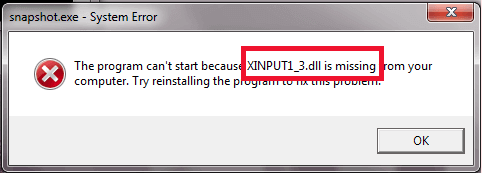
问:启动游戏时提示找不到xinput/dinput/d3dx/Audio等dll
答:请安装DirectX Runtime(注意不要勾选Bing工具箱)
Q: Missing xinput/dinput/d3dx/Audio etc. dll error when launching the game
A: Please install DirectX Runtime (be careful not to check the Bing Toolbar option)

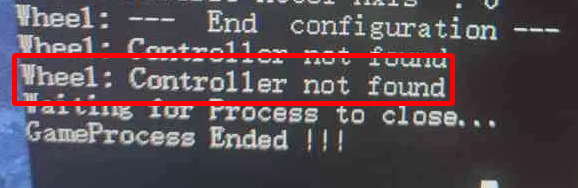
问:启动游戏时提示XXX: Controller not found
答:请在方向盘设置页选择正确的基座设备并连接方向盘设备
A: Please select base device in wheel settings and connect Drive Wheel Device

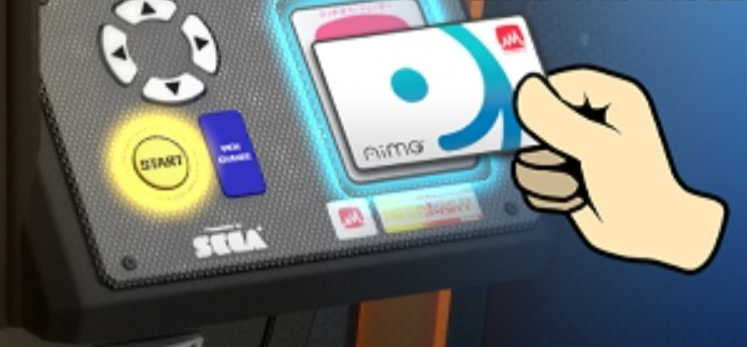
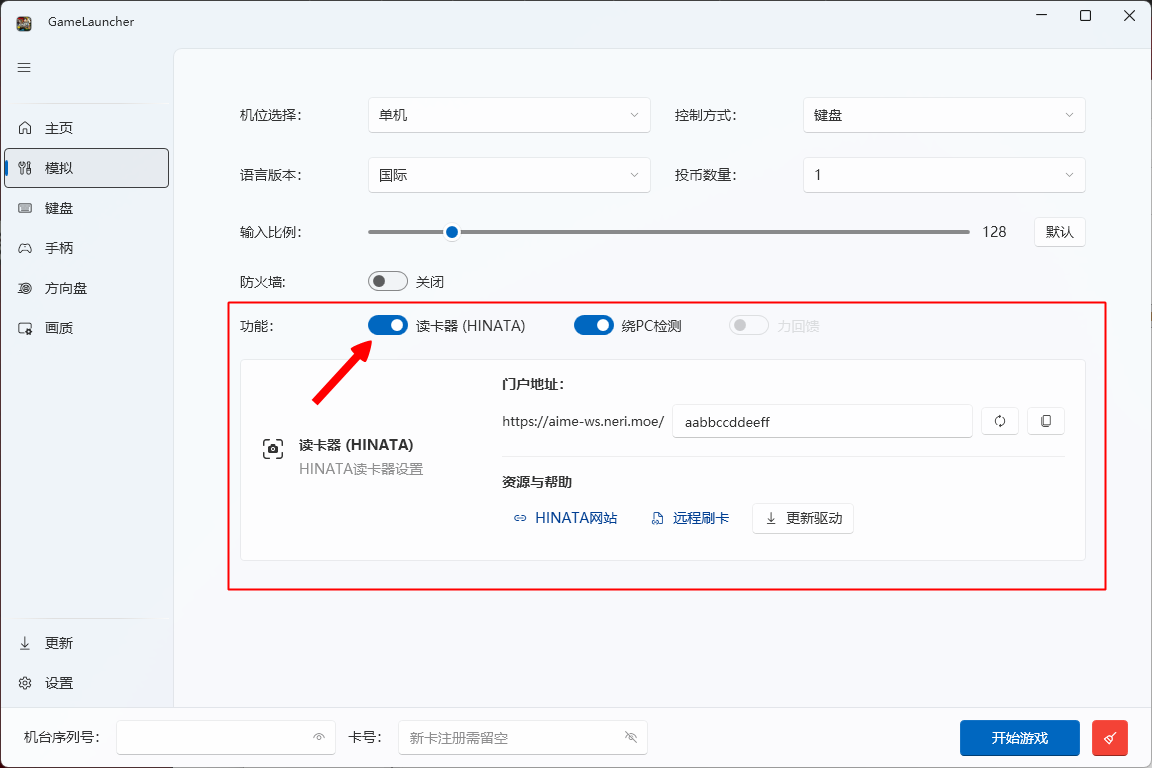
问:启动游戏时提示需要读卡
答:请长按读卡键(默认为键盘回车键)
Q: Prompt to read card when launching the game
A: Please long press the card read key (default is keyboard Enter key)

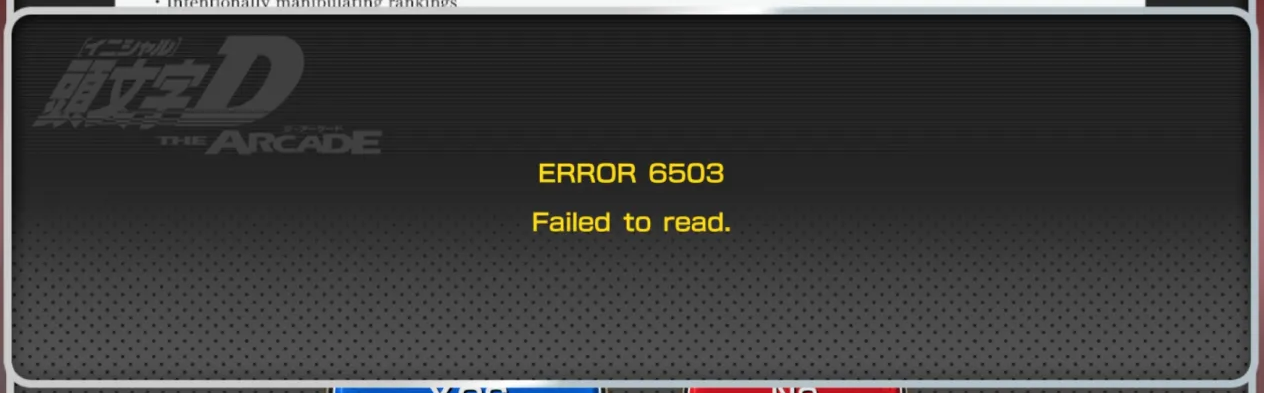
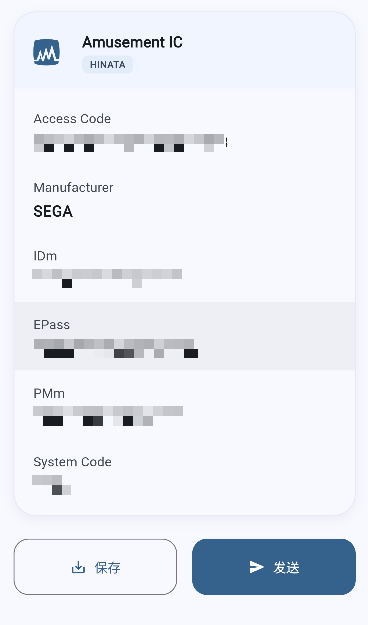
问: 读卡提示错误6503 / Card reading error 6503
答: 请检查左下角网络状态。黑色为Keychip序列号输入错误,黄色为无法连接到服务器,绿色则为卡号不正确。
A: Please check the network status in the lower-left corner. Black indicates keychip is incorrect, Yellow indicates unable to connect to the server, green indicates the card number is incorrect.
绿色Green
黄色Yellow
黑色Black 

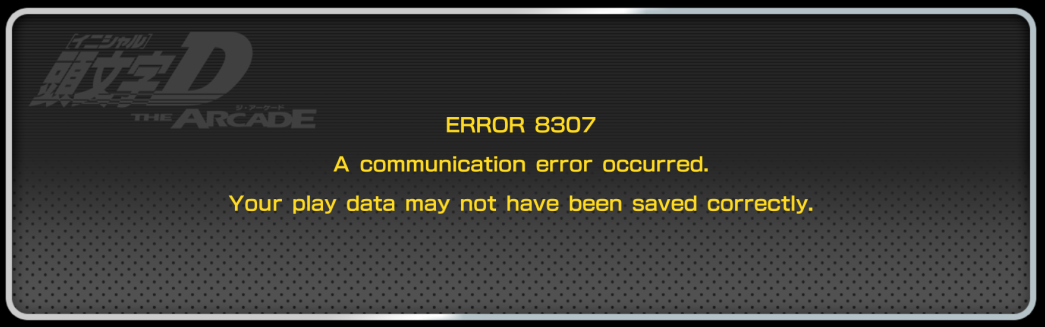
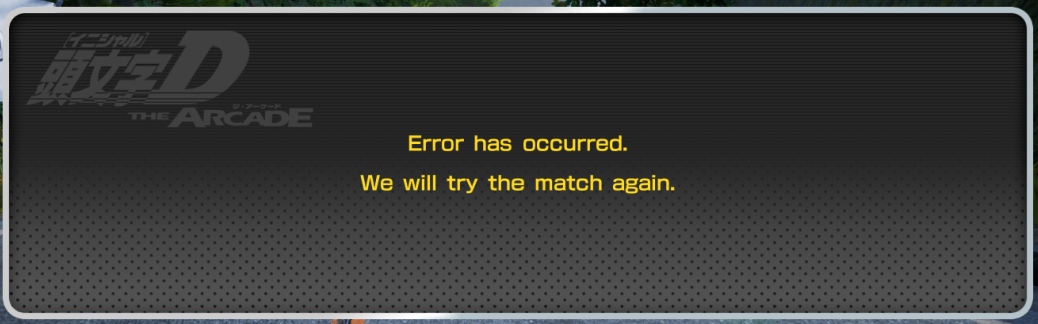
问: 游玩时提示错误8307 / Error 8307 appears during gameplay
答: 网络不稳定中断连接或服务器维护中。
A: The network is unstable, the connection has been interrupted, or the server is under maintenance.

问:游戏时方向自动偏左偏右(手柄/方向盘)
答:请在启动器右下角清理缓存重新校准
Q: Direction automatically drifts left/right during gameplay (controller/steering wheel)
A: Please clear cache and recalibrate in the bottom right corner of the launcher

问: 游戏很卡运行缓慢
答: 在启动器->画质设定->降低分辨率(仅限全屏模式)/渲染率/效果
Q: The game is very laggy and runs slowly
A: In the launcher -> Graphics settings -> Lower the resolution (fullscreen mode only)/render scale/effects
问: 网络正常,但店内/在线对战加载缓慢、频繁断线
答: 性能不足,请降低画质。店内对战需要16G内存,在线对战需要8G以上内存。
Q: The network is normal, but in-store/online battles load slowly and disconnect frequently
A: Insufficient performance, please lower the graphics quality. In-store battles require 16GB of RAM, online battles require more than 8GB of RAM.


问: 手柄不会震动,方向盘不会回中
答: 请在启动器->模拟->打开力回馈
Q: The controller does not vibrate, and the steering wheel does not center
A: Please go to Launcher -> Simulation -> Enable Force Feedback
问: 手柄没反应
答: 请确认启动器->模拟->控制方式是否选择为手柄,仅支持Xbox手柄,其他请使用Steam映射。
Q: The controller is not responding
A: Please confirm that the control method in Launcher -> Simulation is set to controller. Only Xbox controllers are natively supported; for others, please use Steam mapping.
问: 方向盘没反应
答: 请确认启动器->模拟->控制方式是否选择为方向盘,仅支持DInput方向盘,请确保已选择基座为方向盘设备名称。
Q: The steering wheel is not responding
A: Please confirm that the control method in Launcher -> Simulation is set to steering wheel. Only DInput steering wheels are supported. Please ensure the wheel base is selected as the steering wheel device name.
问: 方向盘会自动往左打到底(如PXN-V99)
答: 关闭震动或关闭力回馈(不兼容)。
Q: The steering wheel automatically turns fully to the left (e.g., PXN-V99)
A: Turn off vibration or turn off force feedback (incompatible).